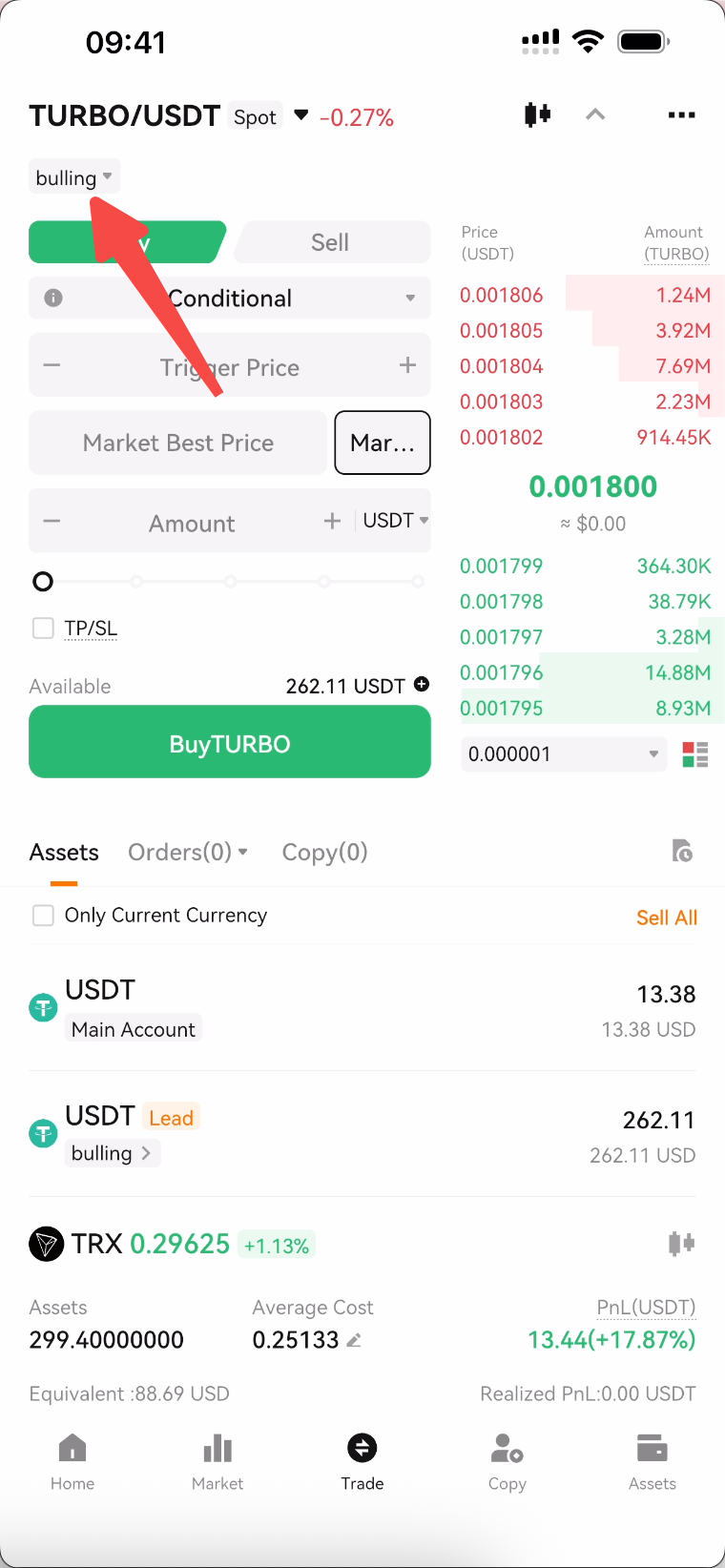
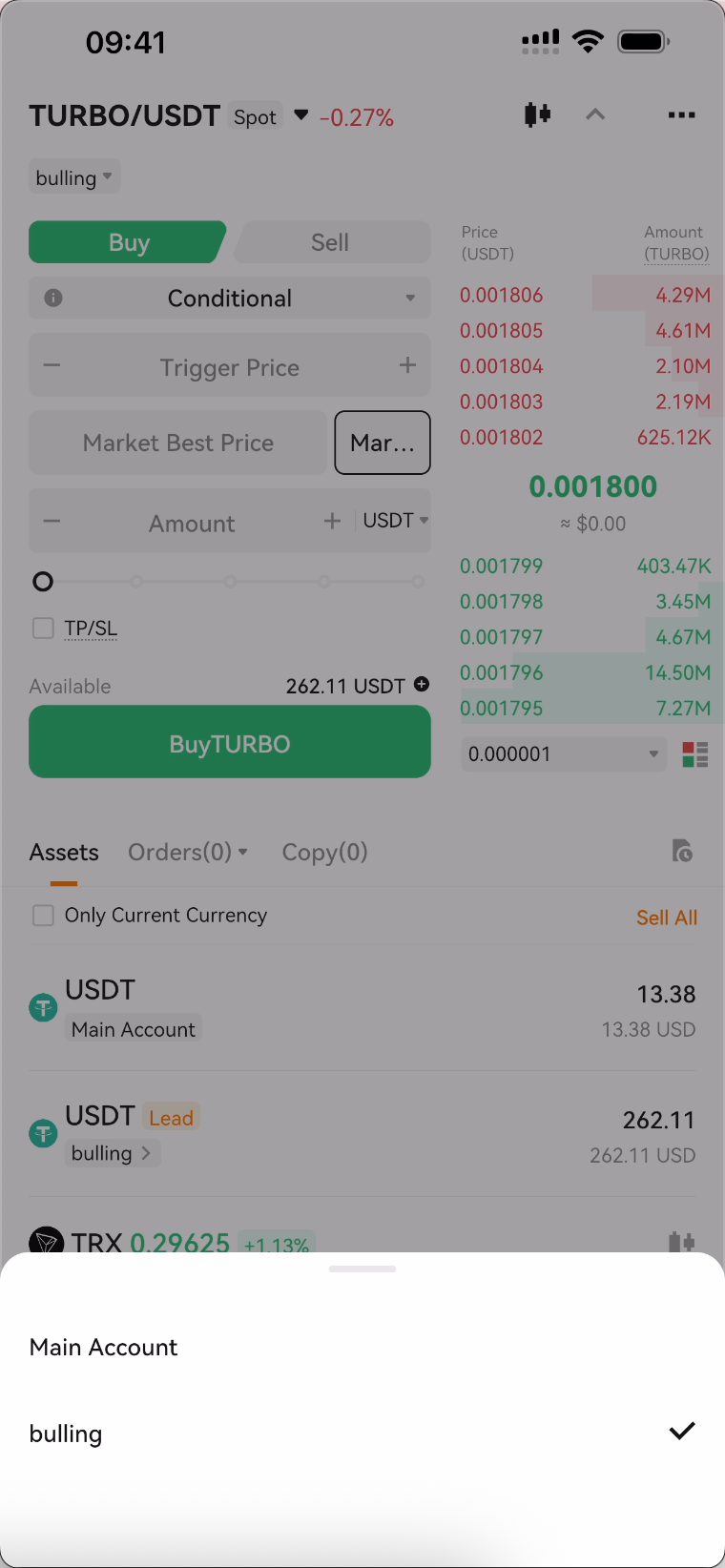
1. What is Spot Copy Trading
Spot copy trading allows users to automatically follow selected traders in buying and selling spot assets. When the trader's order is closed with a profit, the user's order will also be closed simultaneously to lock in the profit. At the same time, in copy trading, users have full control over their orders and can close orders or perform other operations at any time.
By using copy trading, users can observe traders' entry points and trading strategies, gaining profits while improving their own trading experience.
2. How to Copy
1. Go to the Deepcoin homepage, click the "Discover" icon in the bottom menu bar, select the copy trading community, and then select the "Spot" tab.
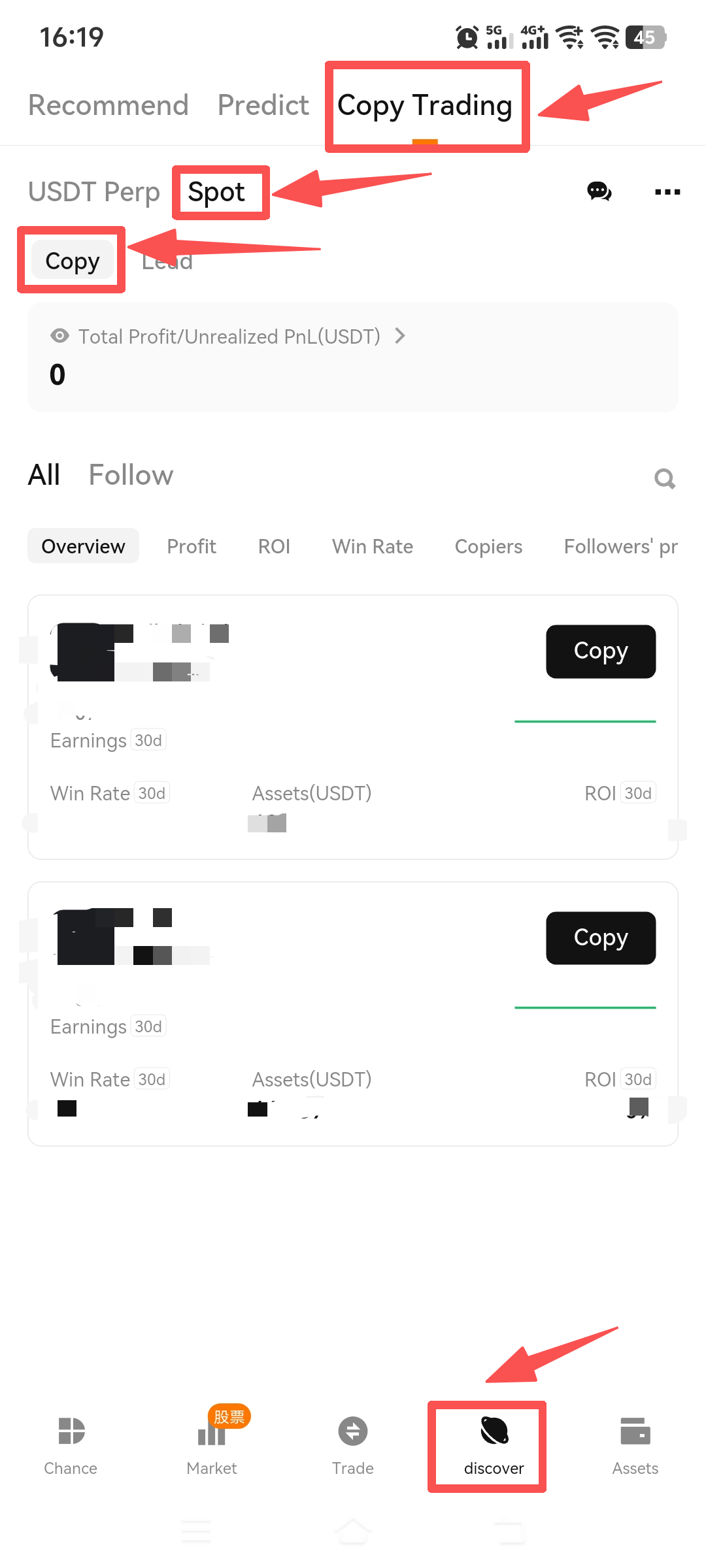
2. After entering the Copy Community, select your preferred trader and then click [Spot Copy].
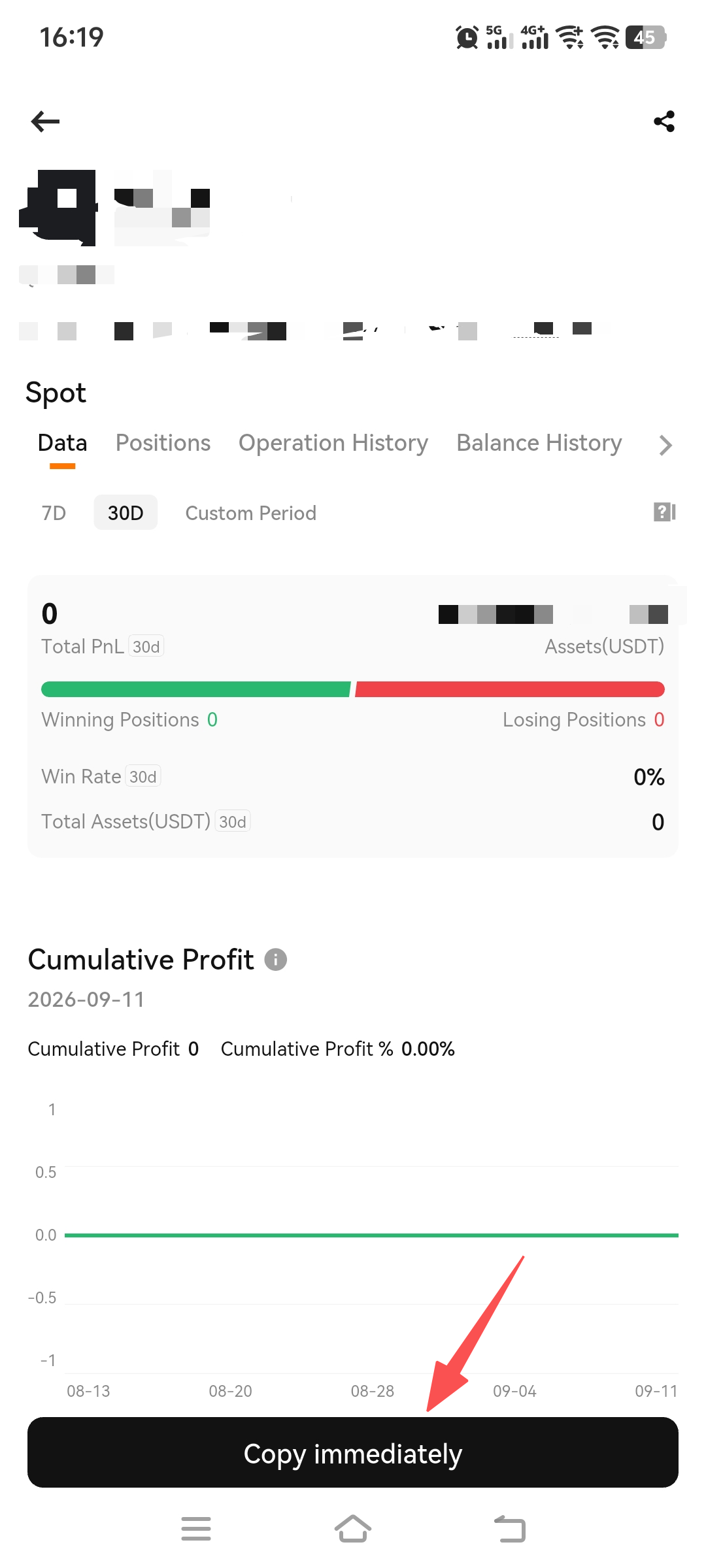
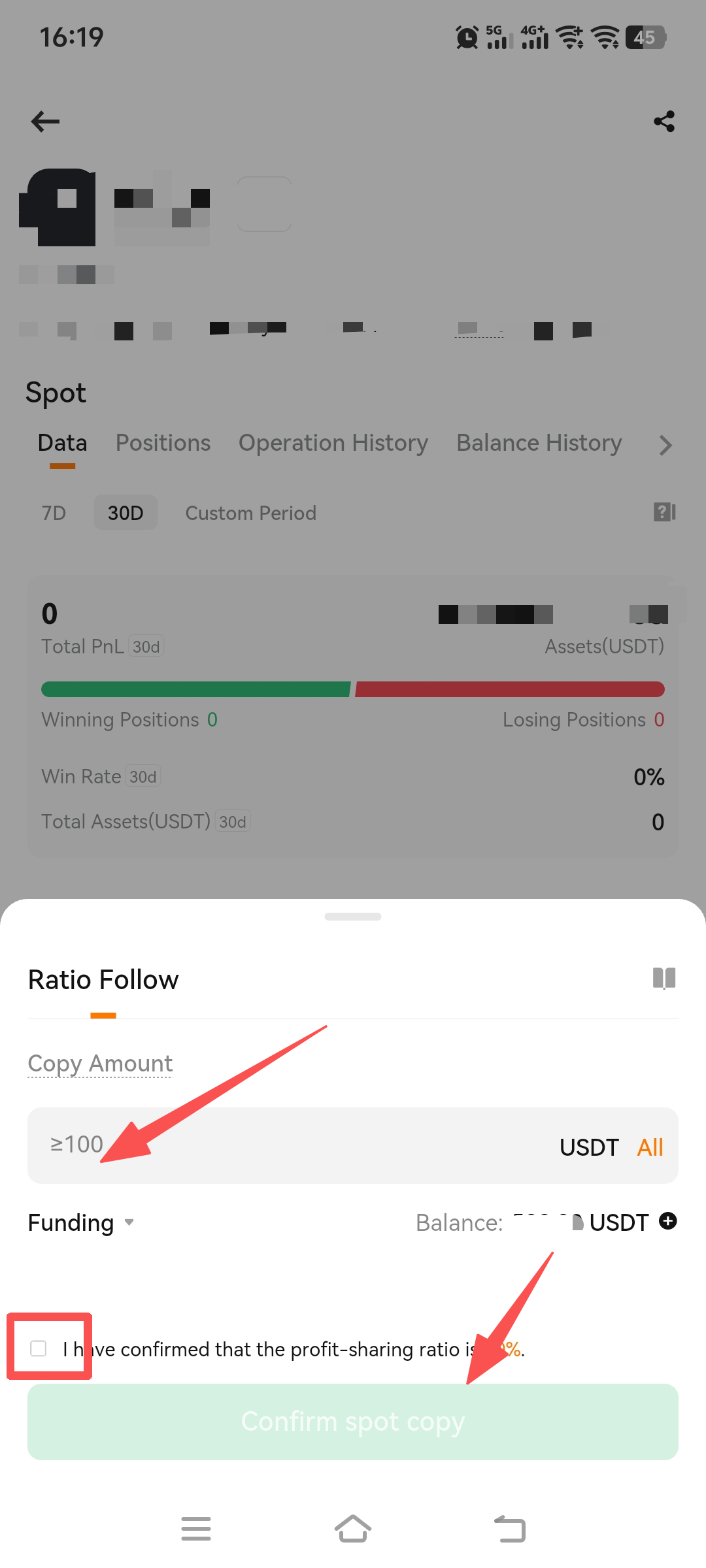
3. Spot trading supports proportional copy trading. After setting the copy trading amount, check the profit sharing ratio confirmation option, and click "Confirm Spot Copy Trading" to complete the copy trading operation.
Kind Reminder:
When a trader is disqualified, the current copy trading positions of followers will be closed immediately.
3. How to Start and Stop Leading
1. Enter the Spot Copy Community and click [Lead] -【Create Cope Trade】
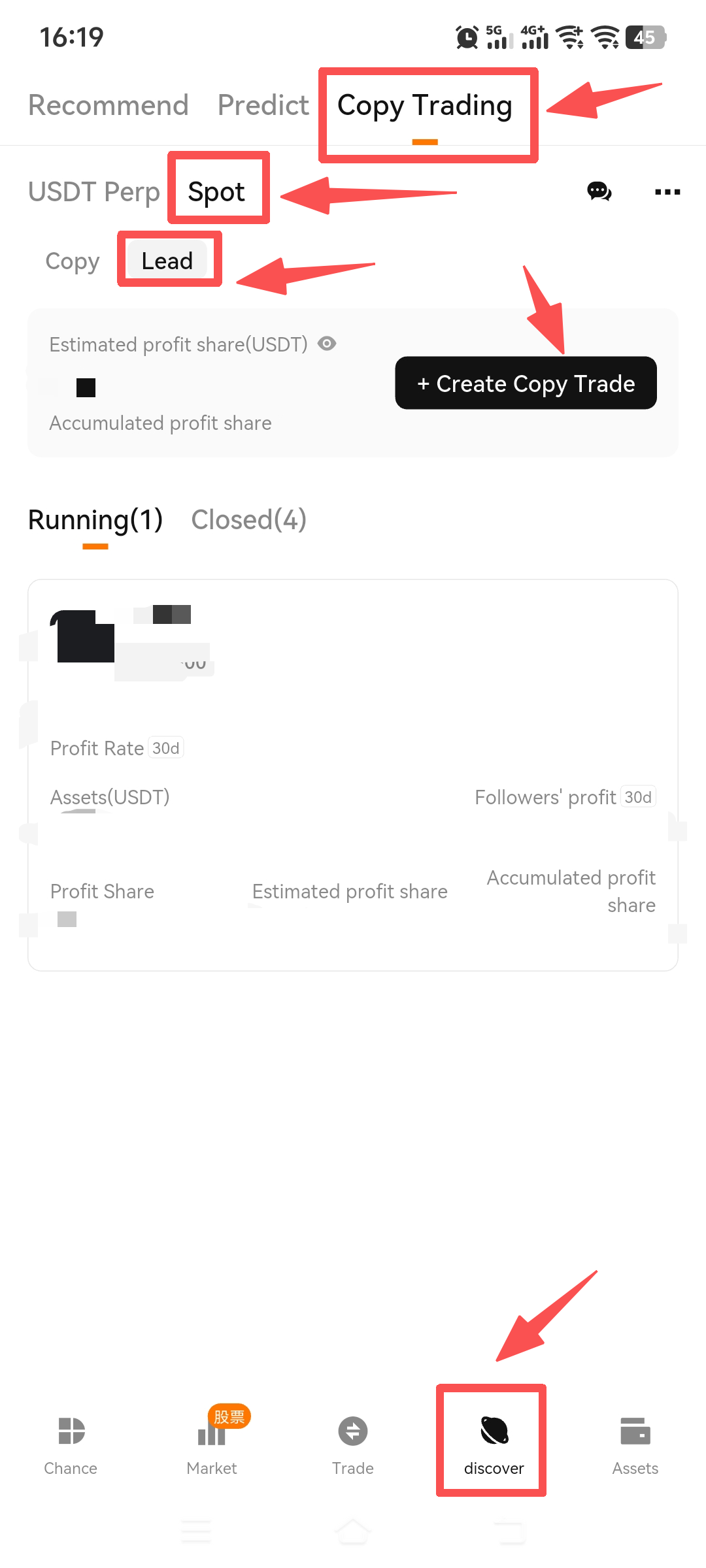
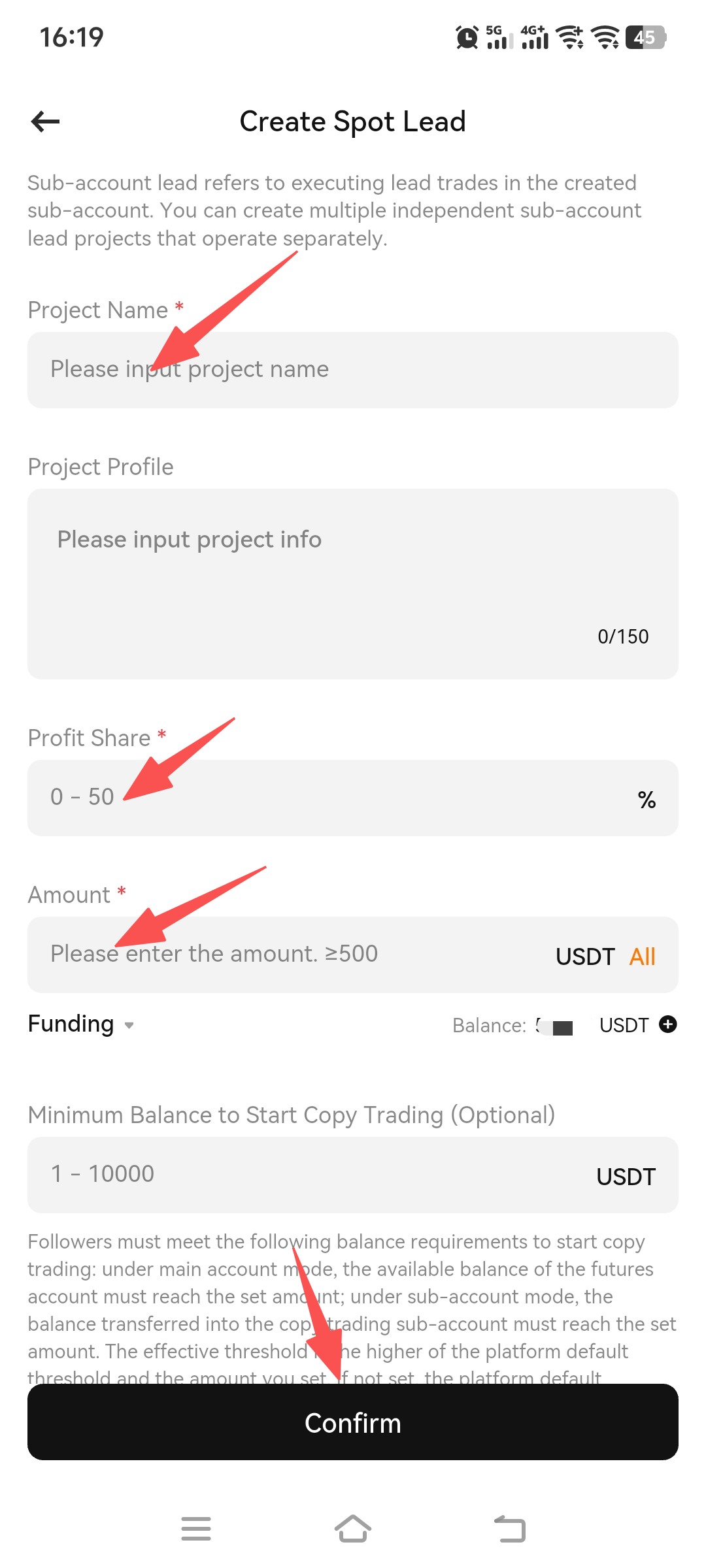
2. Go to the Lead tab on your personal homepage, click [Create Spot Lead], and enter the project creation page to create a lead project.
Sub-account lead refers to executing copy trading in the created sub-account. You can create multiple independently operated sub-account lead projects without affecting each other.
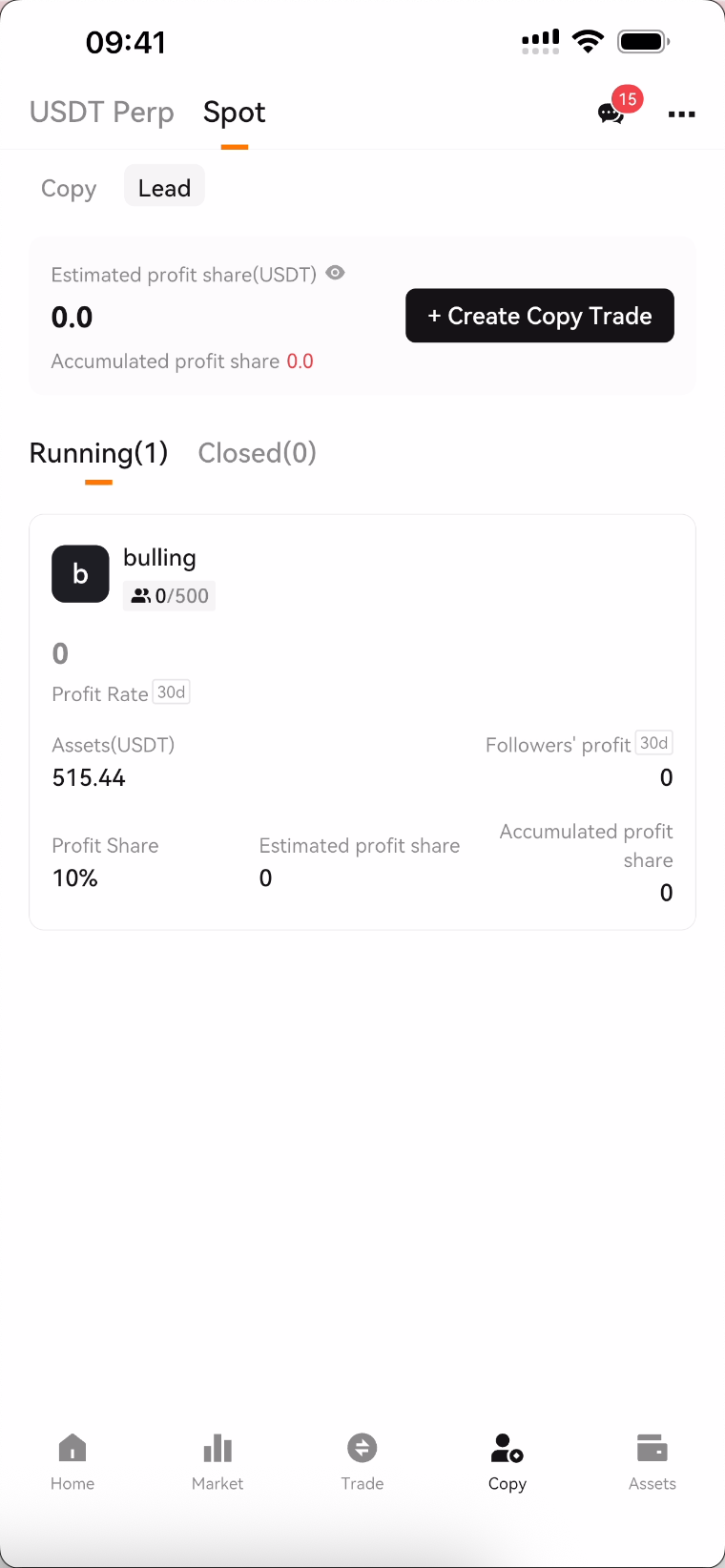
3. After creating a Lead project, you can view ongoing and closed projects on the Lead page; click on a project to view details and make settings.
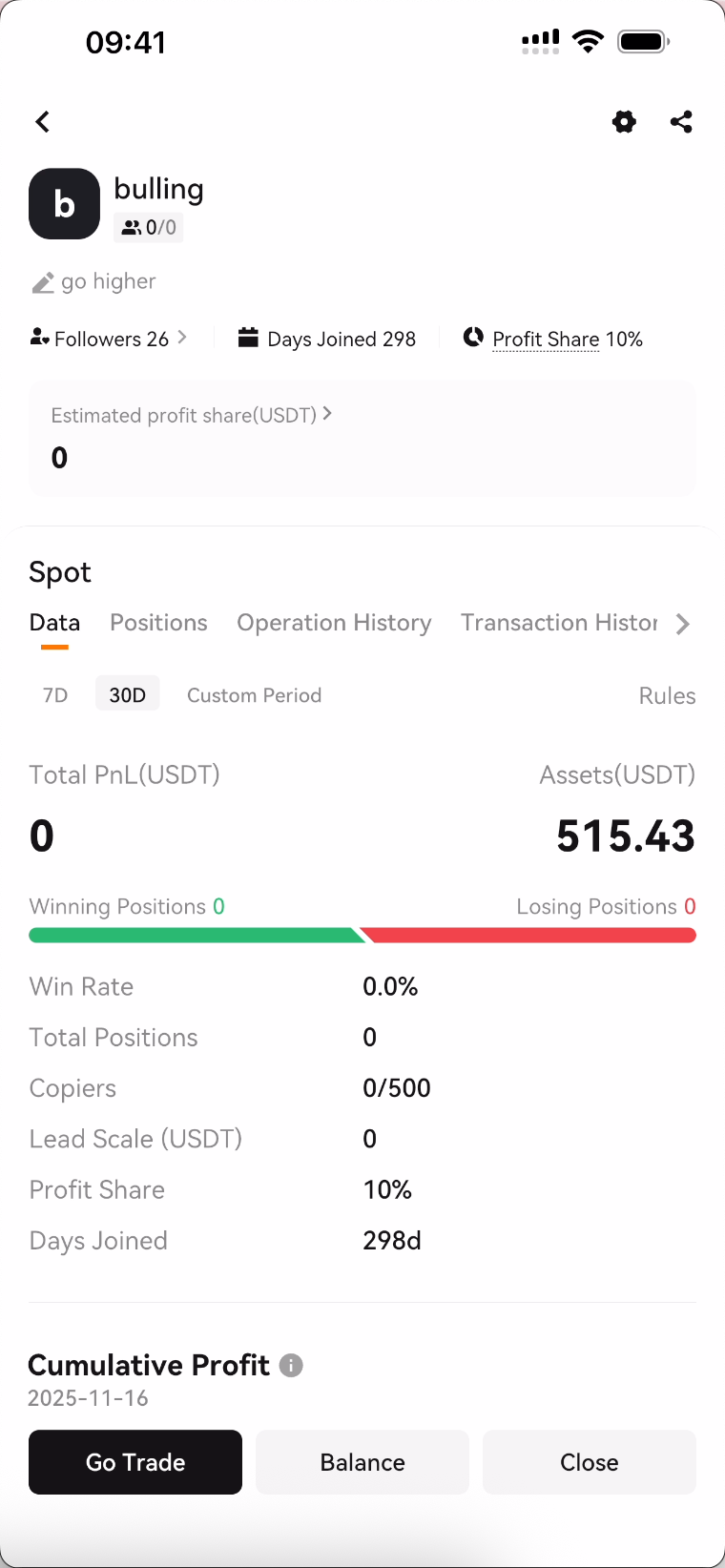
4. After creating multiple Lead projects, you can switch Lead accounts and execute Lead trades on the trading page.